
Phishing & Suspicious Messages
Learn to spot fake emails, text messages, and phone calls designed to trick you into giving up credentials, sensitive information, or sending money.
What is Phishing?
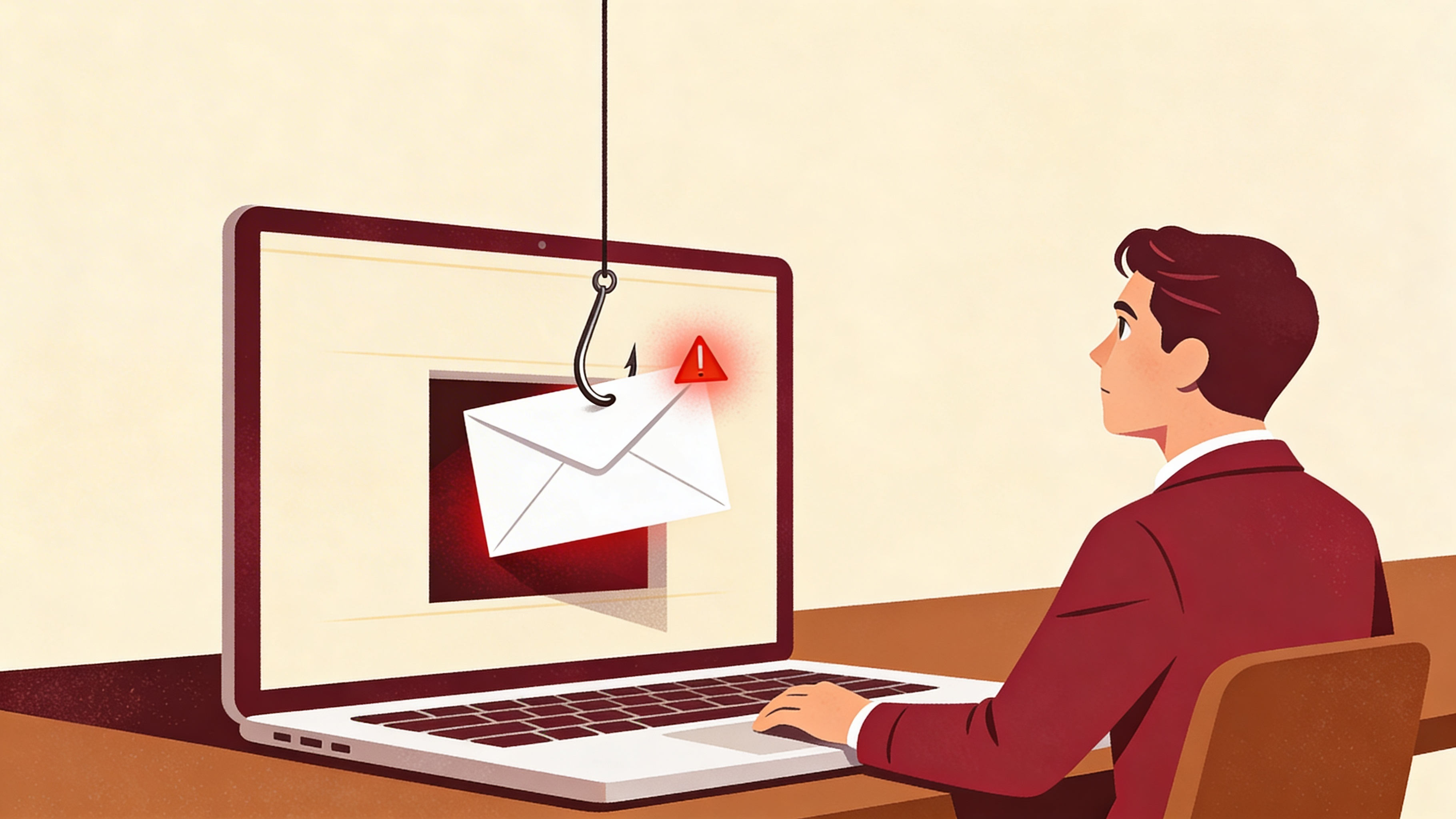
Phishing is when an attacker sends you a fake message pretending to be a company or person you trust. The goal is to trick you into clicking a dangerous link, opening a harmful file, giving away your password, or making unauthorized changes.
Phishing attacks come through email, text messages (called "smishing"), and even phone calls (called "vishing"). They all work the same way: create trust, create urgency, then get you to act before thinking.
Real-World Examples
Fake Benefits Email
Open enrollment ends tomorrow. Click the link below to update your benefits selections or your current coverage will be canceled.
https://hr-portal-update.com/benefits/login
Text Message Phishing (Smishing)
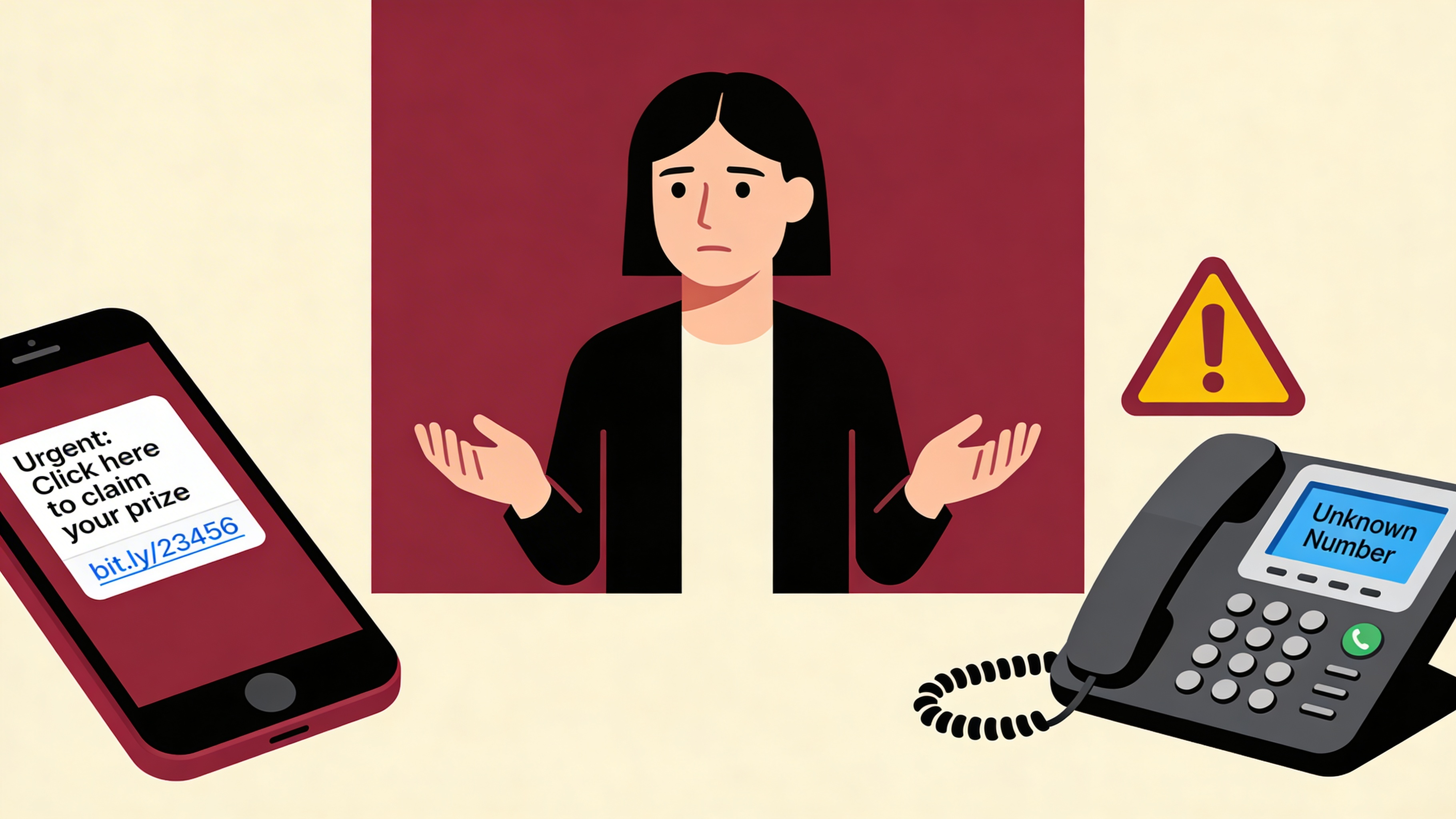
Attackers also target you through text messages. These are designed to look like they come from your employer or a trusted service.
Vishing: Phone Call Scams
Phishing does not always come through email or text. Attackers also use phone calls to trick employees into sharing credentials or sensitive information.
What to Do
If You Receive a Suspicious Message
- Do not click any links or open any attachments.
- Do not reply to the message, even to say "stop."
- If it was a phone call, hang up. Do not give any information.
- Report it to your manager or IT support.
- Delete it after reporting. Do not forward to coworkers.
If You Are Unsure Whether a Message Is Real
- Go directly to the source. Type the website address yourself. For your HR portal, use the URL you normally use.
- Call or ask in person. Contact the supposed sender using a number you already know, not one from the message.
If You Already Clicked a Suspicious Link
- Change your password immediately from a different device if possible.
- Tell your manager or IT right away. Speed matters. The sooner they know, the faster they can protect your account.
- Do not feel embarrassed. Reporting quickly is the most important thing you can do. These attacks fool experienced people every day.